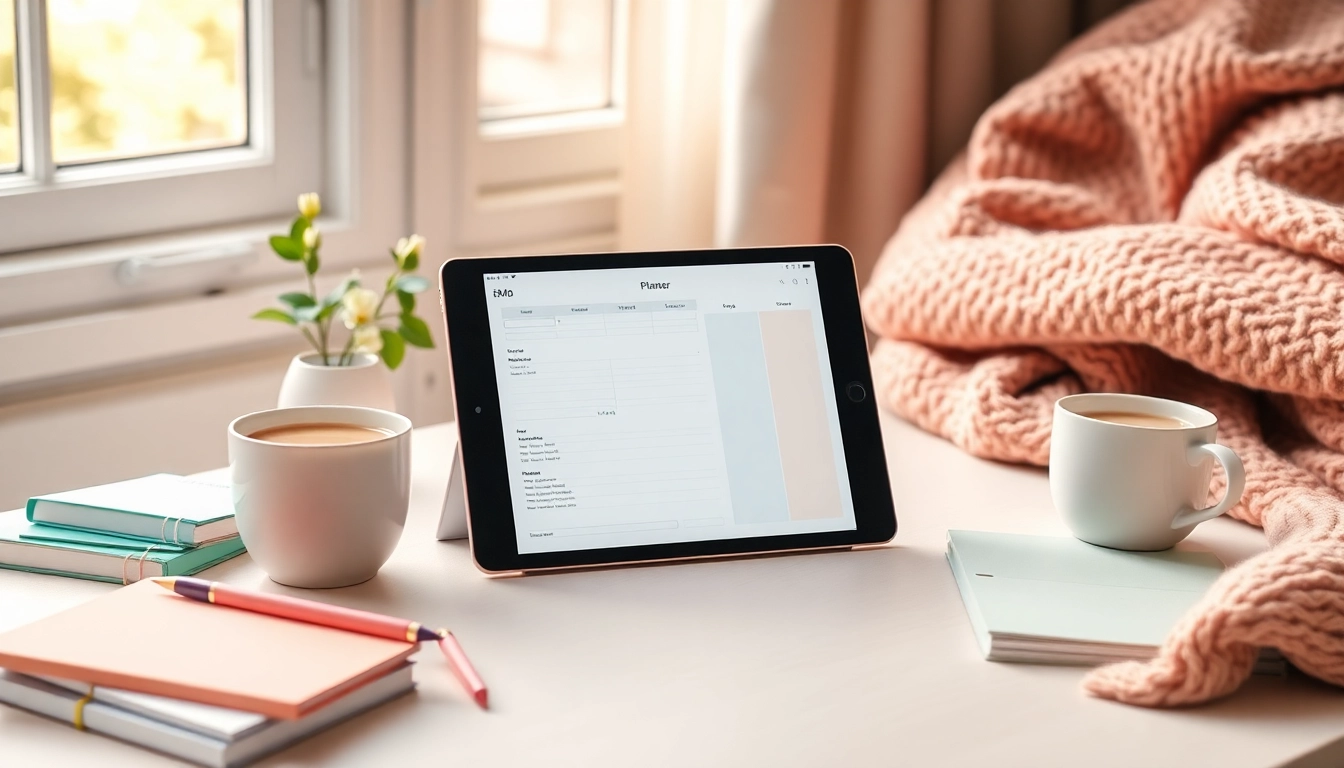
Understanding Digital Planners For iPad
What Are Digital Planners For iPad?
Digital planners for iPad are innovative tools designed to enhance productivity and organization in our increasingly digital lives. Unlike traditional paper planners, these planners are intended for use on devices such as the iPad, allowing users to schedule tasks, set reminders, and plan their days in a seamless electronic format. One of the key advantages of digital planners is their flexibility; they can be customized with images, stickers, and colors, providing a visually pleasing experience that paper cannot match. Additionally, the ability to integrate with apps like GoodNotes or Notability brings a unique level of functionality, enabling users to annotate and edit their plans effortlessly. If you're looking for a solution that combines the convenience of technology with the structure of planning, Digital Planners For iPad offer a compelling option.
Benefits of Using Digital Planners For iPad
Transitioning to digital planners comes with several advantages that can significantly enhance personal and professional productivity. Here are some key benefits:
- Portability: Digital planners can be accessed on-the-go without the physical weight of paper planners, making them ideal for busy lifestyles.
- Searchability: Finding specific notes or tasks within a digital planner is quick and straightforward. Instead of flipping through pages, users can easily search for keywords.
- Customization: Most digital planners offer customizable templates, allowing users to modify layouts and features to suit their specific needs.
- Integration with Apps: By linking digital planners with other productivity apps, users can streamline their workflow and keep everything synchronized.
- Sustainability: Reducing the usage of paper not only minimizes clutter but also benefits the environment. Digital planners are a more sustainable alternative.
A Comparison with Traditional Planners
When compared to traditional planners, digital planners reveal notable distinctions:
FeatureDigital PlannersTraditional PlannersPortabilityAccessible on multiple devicesPhysical weight; limited portabilityCustomizabilityHighly customizable with templates and stickersLimited to what’s printedSearch FunctionalityQuick text searchesManual searching through pagesDurabilityNo wear and tear, but dependent on devicePages can be torn or damagedEnvironment ImpactEco-friendly with no paper useContributes to paper waste
Choosing the Right Digital Planner For iPad
Factors to Consider When Selecting a Planner
Choosing the right digital planner involves several considerations to ensure it aligns with your planning style and needs:
- User Interface: Look for a planner that has an intuitive interface that feels comfortable to navigate.
- Compatibility: Ensure the planner can smoothly integrate with your preferred note-taking apps.
- Features: Consider what features are most important to you, such as to-do lists, goal trackers, or daily summaries.
- Price: Many planners offer a free version with optional premium features. Determine what fits your budget.
- Customer Support: Assess the availability of customer support or online resources in case you need help using the planner.
Top Features to Look For
To make the most of a digital planner, look for functionalities that enhance your planning experience:
- Handwriting Support: Choose planners that accommodate stylus use, allowing you to write or draw directly on the screen.
- Hyperlinks and Navigation: Internal hyperlinks can simplify navigation between sections or months in a planner.
- Custom Templates: Access to pre-made templates enables quick setup for different planning contexts, such as daily, weekly, or monthly views.
- Collaboration Features: If you're planning with teams, features that allow sharing and collaboration can be crucial.
- Backup Options: Look for planners that offer cloud storage to ensure your plans are safe.
Common Mistakes to Avoid
While using digital planners can be advantageous, there are common pitfalls that can hinder effectiveness:
- Overcomplicating Design: Avoid making planners overly elaborate. Simplicity often enhances usability.
- Inflexibility: Don’t stick with a planner that does not allow for adjustments as your planning needs evolve.
- Ignoring Updates: Stay updated on app upgrades or features, as developers frequently add new functionalities that can improve your experience.
- Biting Off More Than You Can Chew: It’s easy to get overwhelmed—focus on a few key features rather than utilizing everything at once.
- Neglecting Backup: Regularly back up your data to prevent losing important notes or plans due to technological errors.
Setting Up Your Digital Planner For iPad
Recommended Apps for Digital Planning
Numerous apps cater specifically to digital planning, offering a range of functionalities to suit different preferences. Some popular options include:
- GoodNotes: Known for its handwriting recognition and organizational tools, it's perfect for those who enjoy note-taking.
- Notability: Extremely user-friendly with audio recording features, ideal for students and professionals.
- Xodo: A versatile app for PDFs, which is excellent for managing and integrating digital planners.
- Noteshelf: Combines traditional note-taking features with sophisticated handwriting recognition and planner layouts.
How to Import and Customize Your Planner
Getting started with digital planners often involves importing digital files into your chosen app:
- Download the Planner: Choose a planner you wish to use and download it, usually in PDF format.
- Import into the App: Open the app and import the downloaded planner, ensuring it’s placed in an easily accessible folder.
- Customize Layouts: Utilize templates and customize your layout by adding stickers or notes to make it uniquely yours.
- Save Changes: Always remember to save your progress to ensure your customizations are not lost.
Essential Tools and Accessories
To elevate your digital planning experience, consider these tools:
- Stylus: A high-quality stylus improves writing and drawing capabilities, especially for handwriting notes.
- Screen Protector: A matte screen protector can enhance the drawing experience while preventing glare.
- iPad Stand: A sturdy stand allows for proper angle adjustments, promoting better ergonomics while using your planner.
- Cloud Storage: Utilize platforms like Google Drive or Dropbox to back up your planner and ensure accessibility across devices.
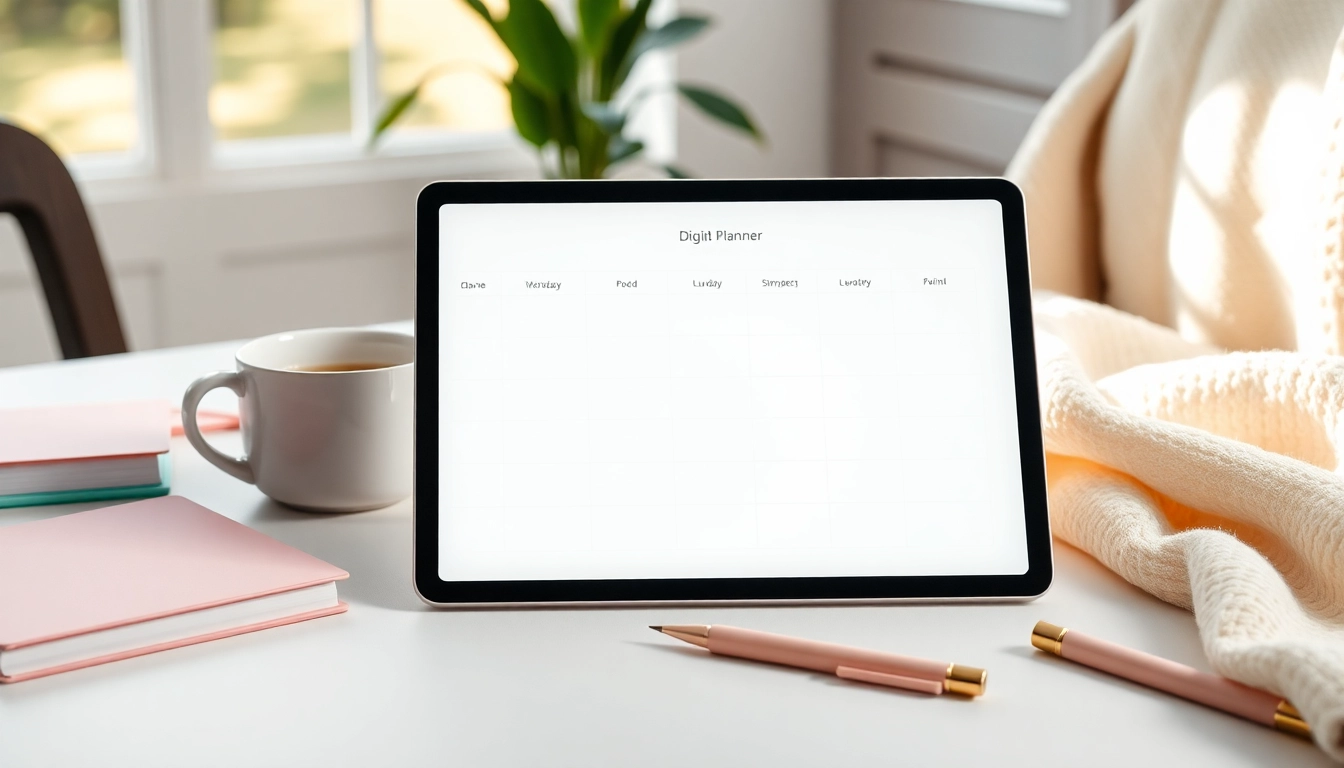
Maximizing Productivity with Your Digital Planner For iPad
Best Practices for Daily Planning
To get the most out of your digital planner, consider these daily planning practices:
- Set a Daily Review Time: Dedicate a specific time each day to review and adjust your plans, helping you stay organized and focused.
- Prioritize Tasks: Use a priority ranking to distinguish between essential and non-essential tasks, maintaining focus on what really matters.
- Keep Weekly Goals: Set up weekly goals in your planner to maintain a broader vision alongside daily tasks.
- Incorporate Regular Breaks: Don't forget to schedule short breaks throughout your day to refresh your mind and boost productivity.
Integrating Goals and Tasks Effectively
Utilizing your digital planner can be a powerful means of tracking both goals and tasks effectively:
- SMART Goals: Set specific, measurable, achievable, relevant, and time-bound goals for clarity and structure.
- Link Goals to Tasks: Break goals down into smaller tasks that can be scheduled and tracked daily or weekly.
- Visual Tracking: Use charts or progress trackers to visualize your journey toward achieving your goals, adding motivation.
- Review and Adjust: Regularly review goals and tasks to adapt to any changes or obstacles, ensuring your plans remain relevant.
Tracking Progress and Achievements
Maintaining an awareness of progress is crucial:
- Celebrate Small Wins: Acknowledge and celebrate each small achievement to maintain motivation.
- Weekly Reflections: Dedicate time each week to reflect on what worked well and what needs improvement, adjusting plans accordingly.
- Use Tracking Features: Leverage in-app features to keep a log of completed tasks and milestones achieved.
- Accountability Partners: Collaborate with a friend or colleague for shared accountability, enhancing commitment to your goals.
FAQs About Digital Planners For iPad
What apps are compatible with Digital Planners For iPad?
You can use apps like GoodNotes, Notability, and Xodo with Digital Planners For iPad to enhance your planning experience.
Can I customize my Digital Planners For iPad?
Absolutely! Most Digital Planners For iPad are designed to be customizable, allowing you to add stickers, colors, and more.
Are there free options for Digital Planners For iPad?
Yes, many websites offer free Digital Planners For iPad that can be downloaded and personalized.
How do I set reminders using Digital Planners For iPad?
You can set reminders using your iPad's calendar app or within compatible planner apps to keep track of important tasks.
Is digital planning more effective than paper planning?
Many find digital planning more effective due to features like searchability, portability, and the ability to modify layouts easily.